

Verify your identity
Verification proves you are you. It is required under anti-money-laundering rules, and it stops anyone opening or using an account in your name. Until it is done, deposits, trading and withdrawals stay closed.
Before you start
- Your passport, or an ID card or driving licence
- A phone or computer with a camera, in good light
Step 1Start from your profile or home
Choose Verify identity on your profile, or Verify now on your home screen.
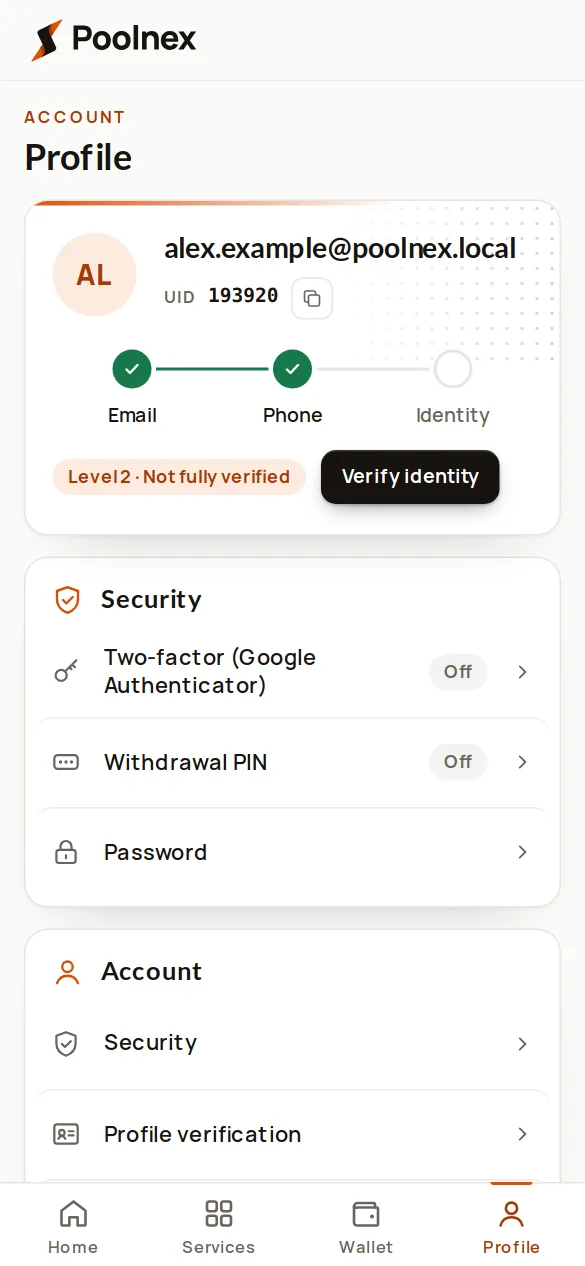
The profile showing the identity step still to do Step 2Take the selfie check
A quick liveness check makes sure a real person is verifying. Continue on this device if it has a front camera, or on your phone by scanning a code.
No camera? You can upload a selfie photo instead.
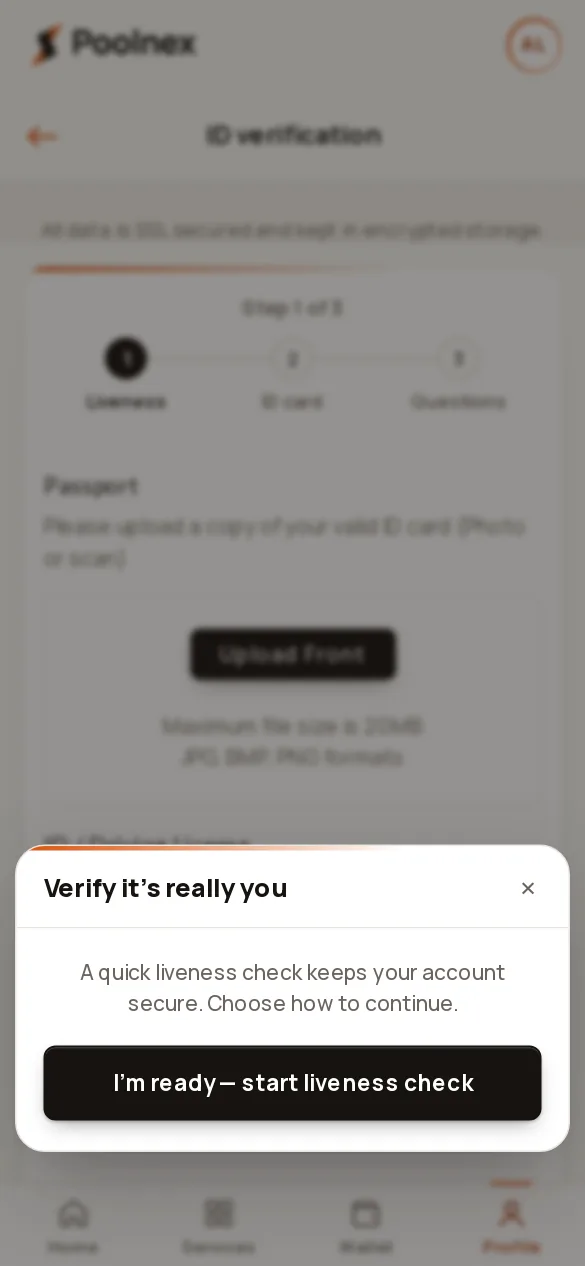
The Verify it’s really you dialog, ready to start the identity check Step 3Add your identity document
Upload a clear photo or scan of your passport, or the front and back of your ID card or driving licence.
Every corner should be visible, with no glare. JPG, PNG and BMP files are accepted.
Step 4Answer the questions and submit
A few questions about you and how you will use Poolnex complete the application.
Your profile shows it as in review, and then as verified, when every service opens.


Good to know
- Use the name exactly as it appears on your document.
- Documents must be valid, not expired.
Questions
How long does the review take?
Sending it takes a few minutes. Your profile shows when it is in review and when you are verified.
Who sees my documents?
Only the people and services that carry out the checks, as the Privacy Policy and the AML and KYC Policy describe.
How it works, what it costs
Verified customersEvery account verified with documents and screened against sanctions lists.Ready to try it?
Open your account in minutes. Every service is ready once you are verified.